
Want to stop paying for cloud storage and streaming, or build a lab to learn Proxmox? You don’t need a rack full of servers. A homelab on a budget starts with one small PC, chosen for the apps you actually want to run.
Homelab on Budget explains which specs matter and why, and gives you the complete parts list for your budget instead of the price of a single box.
Start from what you want to run
Photos and media
Run Immich for your photos and Jellyfin for your movies on one small box.
Storage and backups
Build a NAS for your files and keep real backups of what matters.
Why a homelab on a budget makes sense right now
RAM prices went up a lot in 2025 and 2026, and so did the price of a Raspberry Pi. That makes a wrong purchase more expensive than it used to be. The good news is that companies replace thousands of small office PCs every year. Refurbished, they already have RAM and an SSD inside, which makes them one of the smartest ways to build a homelab on a budget.
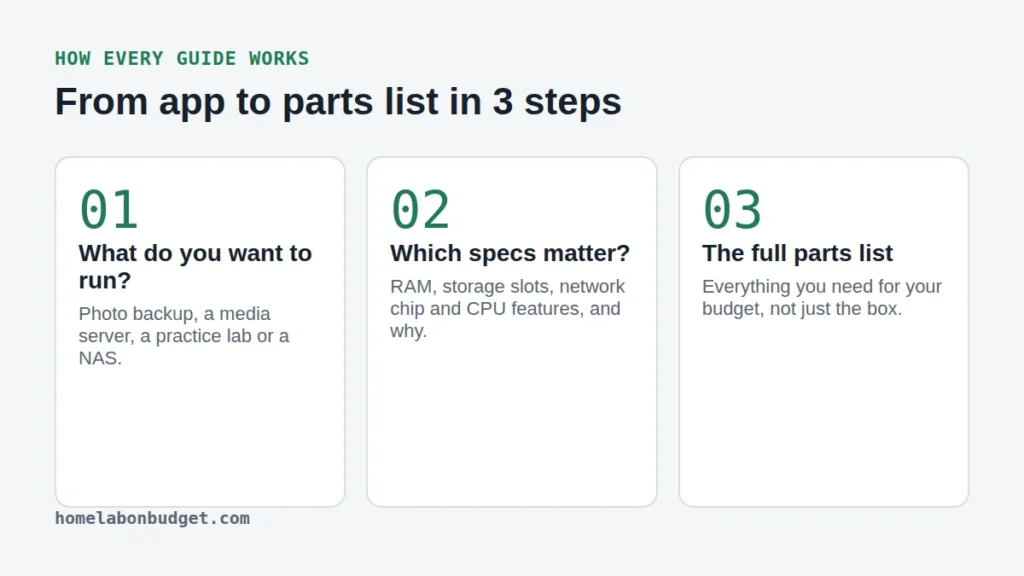
- What do you want to run? Photo backup, a media server, a practice lab or a NAS.
- Which specs matter? RAM, storage slots, network chip and CPU features, and why.
- The full parts list. Everything you need for your budget, not just the box.
Latest guides
-
Home Server Setup for Immich and Jellyfin: A Complete Budget Build
Stop paying for cloud photos and streaming. The full parts list and step by step home server setup for Immich…
-
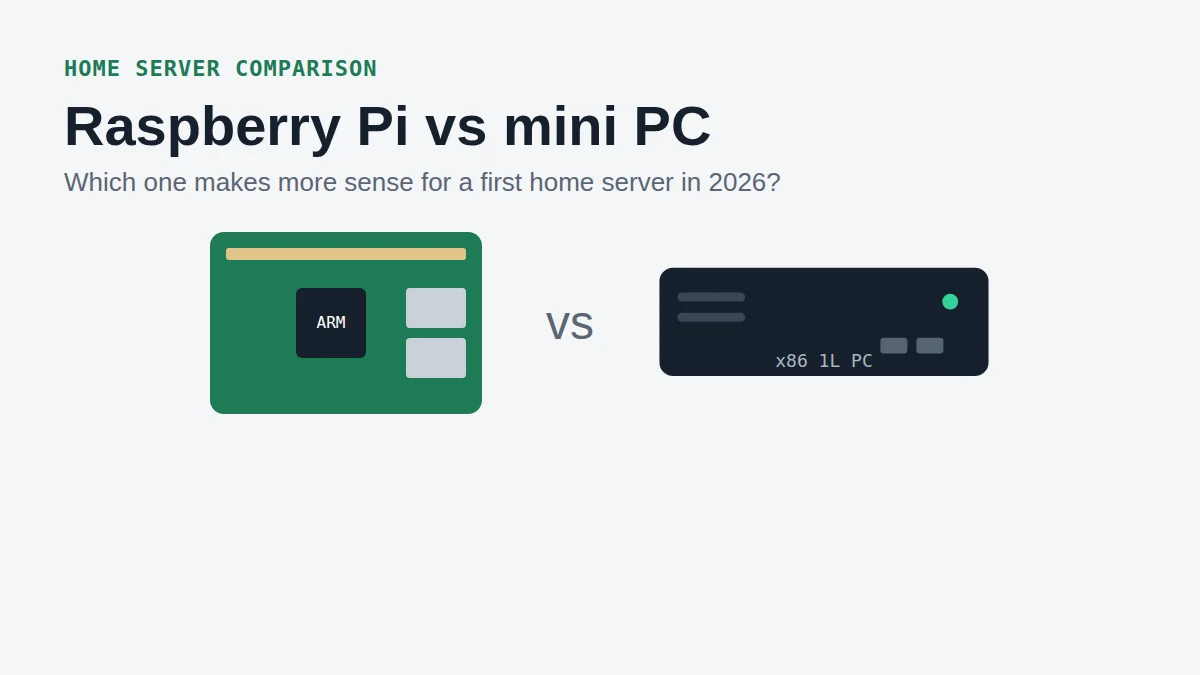
Raspberry Pi vs Mini PC for a Home Server in 2026
The Raspberry Pi used to be the cheap home server. After the 2026 price increases, is a refurbished mini PC…
-
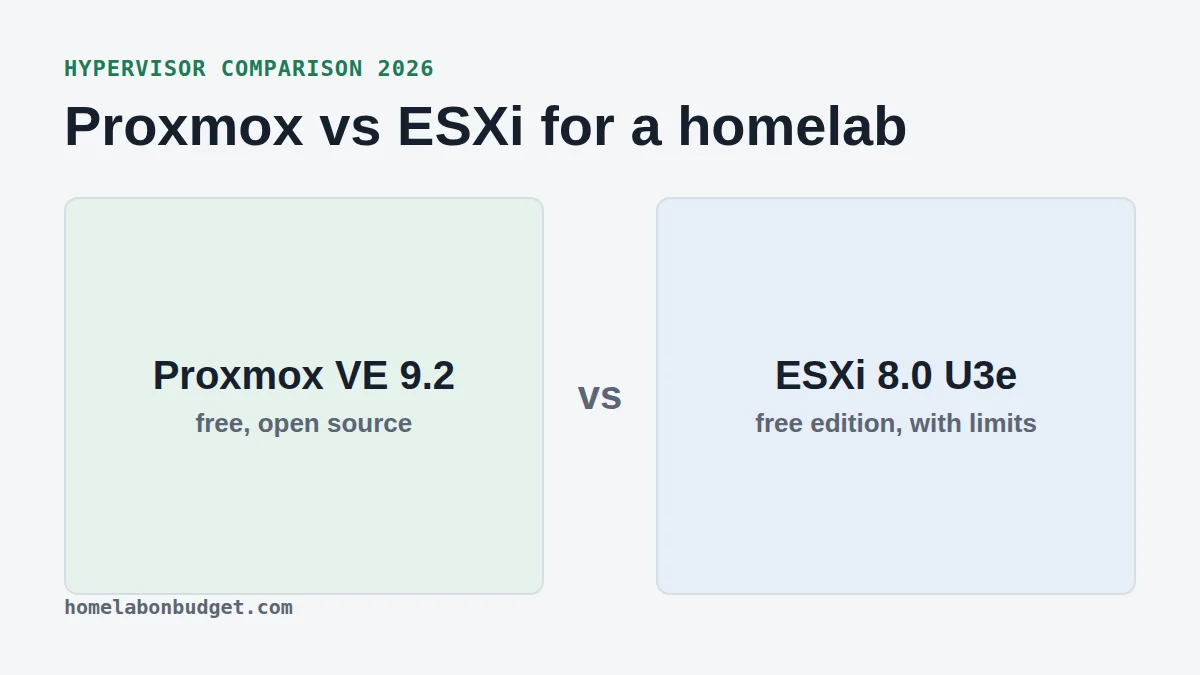
Proxmox vs ESXi for a Homelab in 2026
Free ESXi came back with limits, Proxmox VE 9.2 is out. Which hypervisor should you install on your first homelab?
-
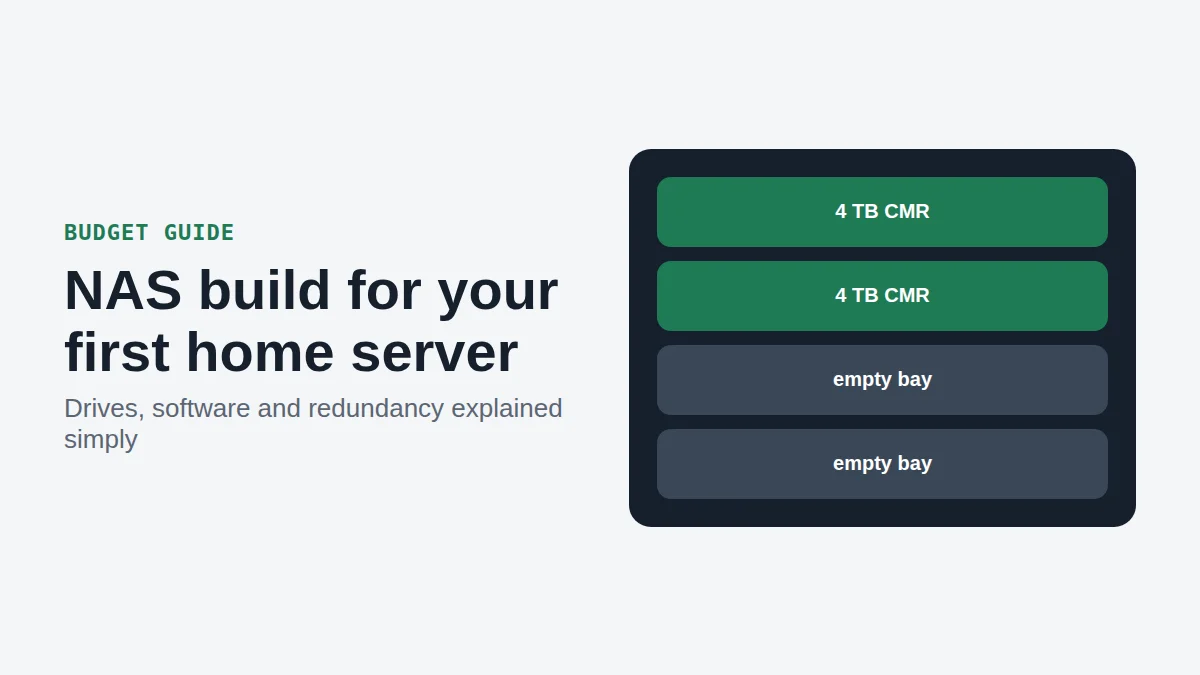
NAS Build on a Budget: A Simple Guide for Beginners
A simple 5-step NAS build guide for beginners: hardware, drives, redundancy, software and a starter parts list.
-
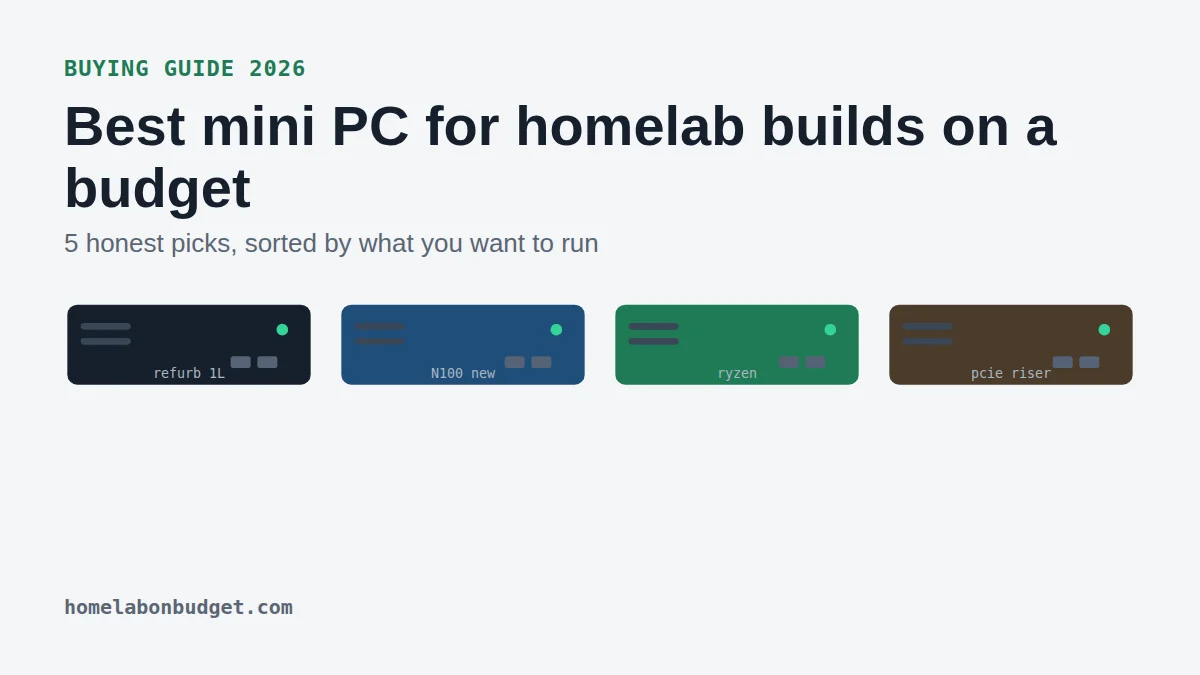
Best Mini PC for Homelab Builds on a Budget (2026)
The best mini PC for homelab beginners in 2026, sorted by what you want to run, plus the 4 specs…
Why you can trust these guides
- No sponsored posts and no free review units, so nobody pays for a good review.
- I tell you what I run myself and what I recommend based on the spec sheet.
- I earn through Amazon and eBay affiliate links, at no extra cost to you.
- Guides get updated when products or prices change.
Read more about me and how this site works.